
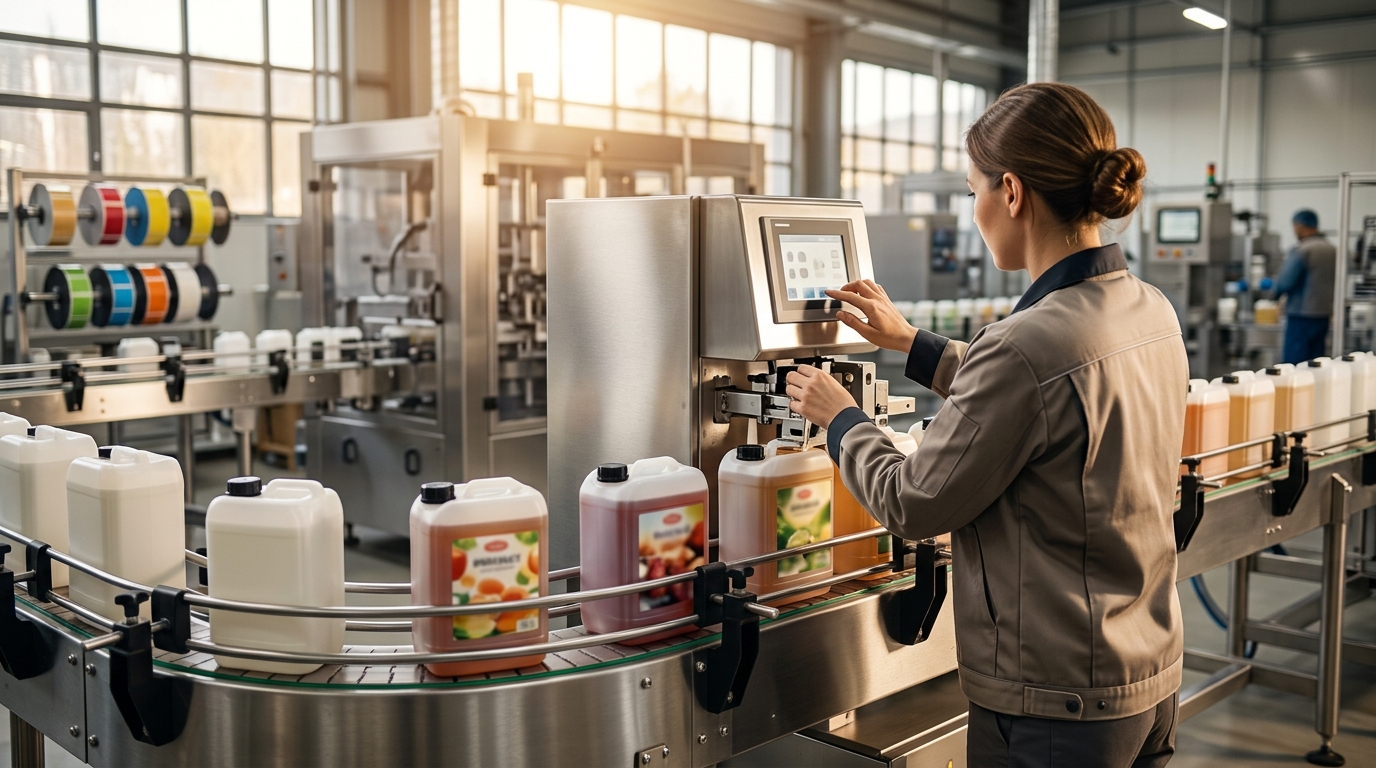
Step-by-Step Setup Guide for the APEL60 Front and Back Labeler on F-Style Containers
Implementing a high-speed labeling solution for F-style containers requires precise mechanical alignment and software calibration. According to industry data, automated labeling systems can increase production throughput by up to 40% compared to manual application methods. This guide details the configuration process for the APEL60 model, ensuring your bottling line achieves optimal performance from day one. Proper setup minimizes downtime and prevents label misalignment, which is critical for maintaining brand integrity on retail shelves. (Trusted Packaging Equipment Manufacturer)
Preparation and Mechanical Alignment
Before powering on the APEL60, you must ensure the physical infrastructure supports the machine's operational requirements. The APEL60 is designed for high-speed applications, so a stable foundation is non-negotiable. Start by verifying that the conveyor belt speed matches the labeler's maximum operational capacity. Most industrial labelers require a power supply of 110V or 220V, depending on regional standards. (Trusted Packaging Equipment Manufacturer)
Position the APEL60 so that the label applicator head is aligned with the center of the F-style container's path. F-style containers often have irregular surfaces due to their structural ribs. You must adjust the guide rails to match the specific width of your container. Incorrect rail spacing can cause containers to tilt, leading to skewed labels. Ensure the label roll is loaded correctly, with the adhesive side facing the applicator wheel or wipe-on blade, depending on your specific configuration.
Check the tension of the label web. Excessive tension can cause the label to stretch, resulting in registration errors. Insufficient tension may lead to jams or misfeeds. JDA Progress provides comprehensive support for these initial mechanical adjustments. Visit our Demo Centre to see these adjustments performed in real-time by our engineers.
Software Configuration and Sensor Setup
The APEL60 relies on advanced PLC programming to manage label placement. The first software step is to input the container dimensions into the control panel. This includes the height, width, and circumference of the F-style bottle. The system uses these inputs to calculate the precise timing for label application.
Next, configure the photoelectric sensors. These sensors detect the leading edge of each container as it passes the labeling station. For F-style containers, which may have reflective surfaces or transparent sections, you may need to adjust the sensor sensitivity. Use the manual override mode to test the sensor response. The sensor should trigger consistently every time a container passes, without false positives from ambient light or background noise.
Set the label registration parameters. This involves defining the distance from the leading edge of the label to the start of the printed content. Accurate registration ensures that the logo and text appear in the exact same position on every bottle. If your labels have a specific peel-off requirement, configure the peeling plate angle accordingly. The Labelers page on our website details the various sensor technologies we integrate into our machines.
Calibrating for F-Style Geometry
F-style containers present unique challenges due to their flat sides and curved edges. The APEL60 must be calibrated to handle these transitions smoothly. Start with a low-speed run, approximately 10 to 20 containers per minute. Apply labels manually or via the machine at this speed to observe the initial placement.
Observe the label application on the front and back surfaces. For the front label, ensure the label adheres fully to the flat surface without bubbling. For the back label, check the transition from the flat side to the curved edge. If the label wrinkles, adjust the applicator wheel pressure or the wipe-on blade angle. The goal is to achieve a smooth, bubble-free application.
Adjust the timing of the label application. The label must be applied at the exact moment the container is in the correct position. If the label is applied too early or too late, the registration will be off. Use the jog function on the control panel to fine-tune the timing. Incremental adjustments of 0.1 seconds can make a significant difference in label placement accuracy. Our team at JDA Progress can assist with these complex calibrations during a factory acceptance test. Contact Us to schedule a consultation.
Testing and Quality Assurance
Once the mechanical and software settings are configured, proceed to full-speed testing. Gradually increase the conveyor speed to the target production rate. Monitor the labeling process closely for the first 100 to 200 containers. Look for common issues such as label skew, double labeling, or missed labels.
Conduct a peel test to ensure the label adhesive is compatible with the F-style container material. Pull a label from a few sample bottles to check for adhesion strength. If the label peels off easily, you may need to adjust the adhesive type or the surface preparation of the container. Consistent adhesion is critical for product longevity and consumer satisfaction.
Document the final settings for future reference. Save the PLC program with a clear version number and date. This ensures that you can quickly restore the machine to its optimal state if it is ever reset or if a new product run is initiated. Regular quality checks will help maintain this standard over time. Read our Customer Reviews to see how other manufacturers have benefited from our rigorous testing protocols.
Routine Maintenance and Support
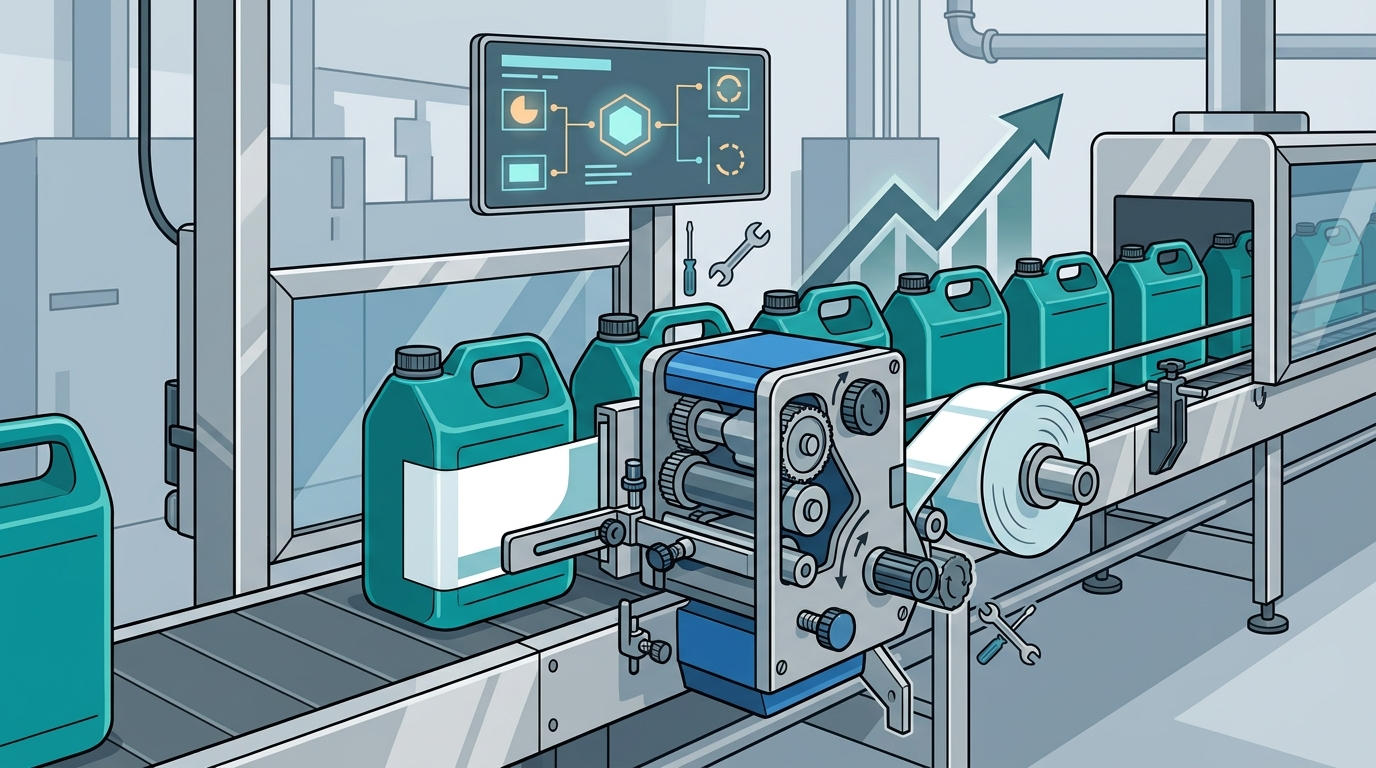
Proper maintenance extends the life of your APEL60 and ensures consistent performance. Clean the applicator wheel or wipe-on blade daily to remove adhesive residue. Buildup can cause labels to stick to the applicator, leading to misapplication. Use a recommended cleaning solvent that does not damage the machine components.
Inspect the sensors regularly for dust or debris. Clean the sensor lenses with a soft, lint-free cloth. Check the mechanical linkages for wear and tear. Lubricate moving parts according to the manufacturer's specifications. JDA Progress offers a comprehensive Service & Parts program to keep your equipment running smoothly.
Keep a log of all maintenance activities. This log can help identify recurring issues and predict future maintenance needs. If you experience technical difficulties, our support team is available to assist. We pride ourselves on providing top-notch after-sales care. About Us provides more information on our commitment to customer success.
Key Takeaways
- Align the APEL60 precisely with the center of the F-style container path to prevent skew.
- Configure PLC inputs for container dimensions to ensure accurate label timing.
- Adjust sensor sensitivity to handle reflective or transparent F-style surfaces.
- Calibrate applicator pressure to accommodate the curved edges of F-style containers.
- Conduct peel tests to verify adhesive compatibility with your specific container material.
- Document all settings for quick restoration during new product runs.
- Perform daily cleaning of applicator components to maintain label quality.
Frequently Asked Questions
What is the maximum speed of the APEL60 labeler?
The APEL60 is designed for high-speed applications, with speeds varying based on container size and label type. Typically, it can handle hundreds of containers per minute, significantly boosting production efficiency.
Can the APEL60 label irregular F-style containers?
Yes, the APEL60 is equipped with adjustable applicators and sensors that can accommodate the unique geometry of F-style containers, including their flat sides and curved edges.
How do I troubleshoot label skewing?
Check the alignment of the guide rails and the tension of the label web. Ensure the sensors are correctly positioned and sensitive enough to detect the container edges accurately.
What maintenance is required for the APEL60?
Regular maintenance includes cleaning the applicator wheel, inspecting sensors, and lubricating moving parts. JDA Progress provides detailed maintenance guides and spare parts to support your operations.
Does JDA Progress offer training for the APEL60?
Yes, we offer comprehensive training programs, including factory acceptance tests and on-site training, to ensure your team can operate and maintain the APEL60 effectively.
What industries benefit from the APEL60?
The APEL60 is suitable for various industries, including food and beverage, cosmetics, and chemicals, where precise labeling on diverse container shapes is essential.
How long is the warranty on the APEL60?
JDA Progress provides a 1-year warranty on all machines and parts, ensuring peace of mind and support for your investment.
Request Your Demo Today
Ready to optimize your labeling process with the APEL60? Our team of experts is here to help you find the perfect solution for your business. Visit our Demo Centre in Vaughan to see the APEL60 in action. Contact us at Contact Us to schedule your personalized demonstration and take the next step in packaging excellence.